The summit is over
But you can sign up and still get access to the replays + over 15 premium resources for one low price!
If your logins are scattered across Chrome autofill + sticky notes, or they're all variations of the same password you thought up in 2017, you’re one data breach away from a massive headache.
Join me live on Google Meet to set up your free Bitwarden vault, so you can stop stressing over breach alerts, hand off tasks safely to a VA, and actually sleep at night.
Tuesday, Dec 15, 2026
90-Minute Live Sprint + Bonus Implementation Session
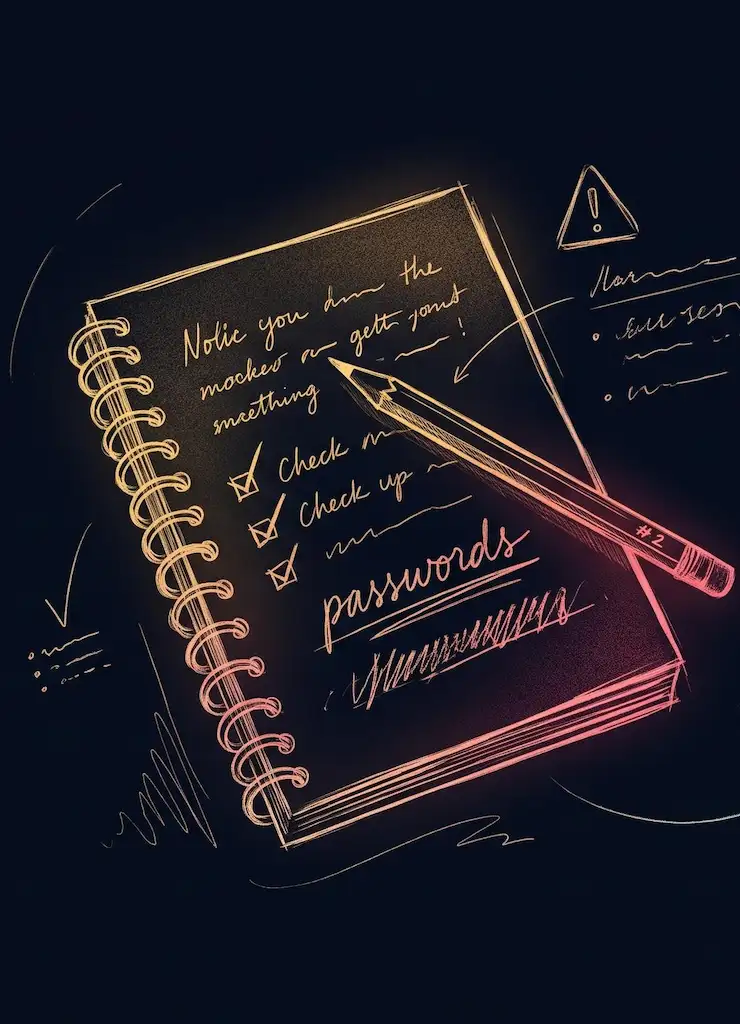
If your logins are scattered across Chrome autofill + sticky notes, or they're all variations of the same password you thought up in 2017, you’re one data breach away from a massive headache.
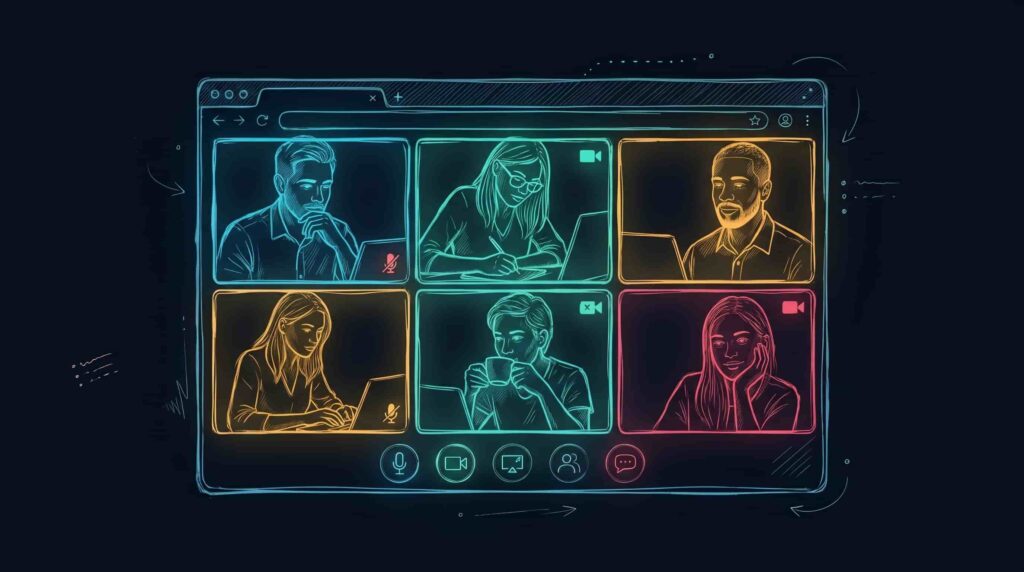
Join me live on Google Meet to set up your free Bitwarden vault, so you can stop stressing over breach alerts, hand off tasks safely to a VA, and actually sleep at night.
Tuesday, Dec 15, 2026
90-Minute Live Sprint + Bonus Implementation Session
You’ve probably had "set up a password manager" sitting on your to-do list for months.
The problem isn't that you're careless; it's just that you're the CEO, the marketing department, and the entire IT team. And every time you try to finally deal with your logins, you hit the same walls:

There are dozens of reputable password managers out there, and every tech person recommends a different one, plus you don't understand their pricing.
Most security advice is written for enterprises, not solo business owners. You just want to log into your email and bank without a headache.

Setting it up feels like a gigantic, boring chore. When you finally have a free hour, you want to step away from your screen, not reset 40 passwords.
So the whole thing stays on the to-do list, creating a small pit in your stomach every time "your password appeared in a data breach" pops up on your screen.
Introducing:

Hi, I’m Temima Gass.
Over the past 10 years as a tech consultant, I’ve helped dozens of solo business owners, coaches, and service providers untangle their tech.
I know firsthand what it’s like when you are the entire business plan. If your laptop dies on a trip, your internet goes out, or your password was caught in a data breach, there’s no IT department down the hall to fix it.
I’m going to show you how to secure your business, and sit right there on Google Meet with you while you set it up, so you walk away with the job done, and your peace of mind intact.
Can’t make the Tuesday sprint because of your time zone, or need extra time to finish saving your passwords? Pop into this 60-minute live co-working room on Tuesday, December 22, 2026 at 10 a.m. EST. You can work through the steps quietly alongside other business owners, and unmute whenever you hit a snag so I can troubleshoot it with you live.
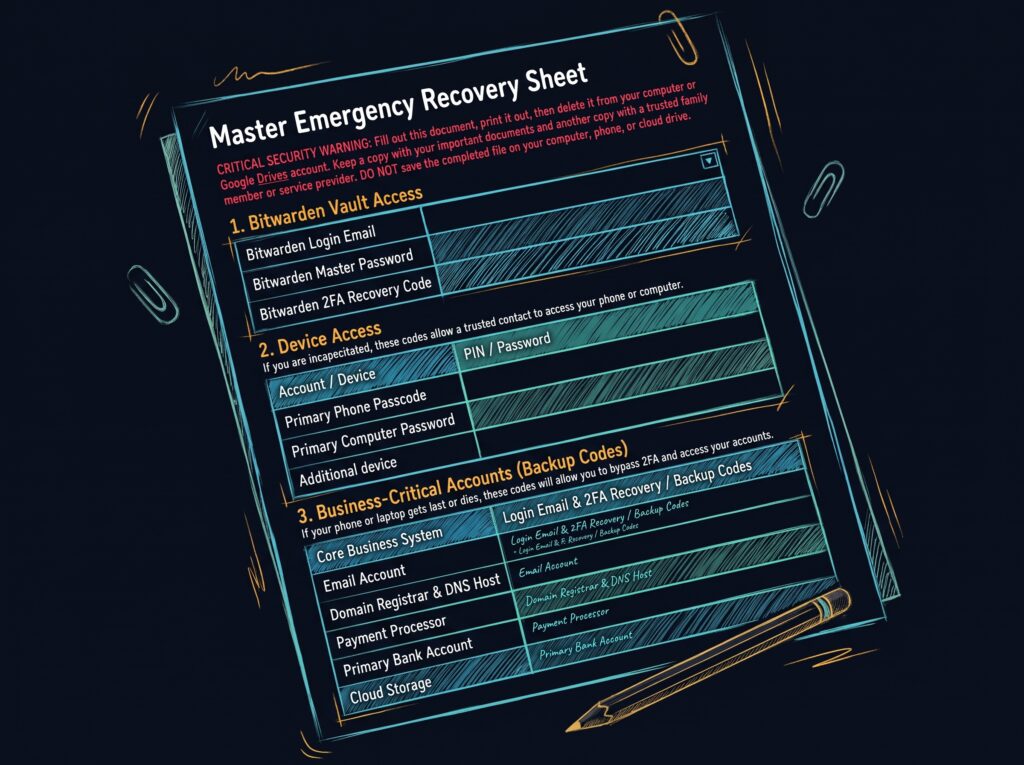
A simple, 1-page printable sheet for your offline backup codes and emergency access details. If you’re traveling and using a new device, or your computer dies, you (or a trusted family member) can get into your critical business accounts without panic.
A 15-minute video showing you how to share tool access with a virtual assistant or contractor without handing over your real passwords. You get help with your to-do list while keeping full control of your accounts.
As soon as your payment is processed, you’ll get an email with an add-to-calendar link that includes the Google Meet access information.
Since this class is on pre-sale, the recovery sheet and subcontractor access guide will be available after December 10. At that time you’ll be invited to create an account in your private learning portal, where you can access your bonuses and the replay, once it’s ready.
You will have access to the portal and replay for as long as the program exists.
Why is a password manager more secure than my paper notebook? Can't hackers breach my password manager and access everything?
Unlike a notebook that can get lost or stolen, a password manager scrambles your logins into unreadable gibberish before they ever leave your device. Even if hackers broke into the company's servers, they couldn't open your vault without your master password. Plus, the manager updates automatically across your phone and computer whenever you change a login, and makes it effortless to create long, unique passwords for every site so a leak in one app never puts your bank or email at risk.
Is Bitwarden’s free version really enough, or will I be hit with an upgrade at some point?
Bitwarden’s forever-free extension is all you need to get secure. If you have multiple subcontractors or want to use its built-in authenticator tool (not covered in this workshop), you’ll need to upgrade.
What if I forget my master password?
We’ll spend 15–20 minutes on the call setting up your master password and employing memory techniques to quickly create muscle memory for typing it out. Plus, as a bonus you’ll get the emergency recovery sheet to print out and store in a safe place.
What if I can't make it live? It’s 4 a.m. my time!
If you can’t make it live, you can still get the benefits of the do-it-together sprint! I’ll upload a clean, easy-to-follow recording broken into short chapters within 48 hours. Your ticket includes access to the live co-working lab the following Tuesday (December 22 at 10 a.m. EST) so you can still get live help if you need it.
I’m really not a "tech person." Am I going to get lost?
Nope! I teach in plain English, without confusing tech talk. That’s the whole reason we’re doing this live together. If a button looks weird on your screen or you get stuck on a step, you can ask right away and I’ll help you sort it out. I’ve scheduled 90 minutes to make sure there’s enough time for everyone to get set up. And if you need even more time or want to continue migrating the rest of your logins, come to the implementation session the following week.
What if I get stuck after the live calls?
I’m generally available for private one-on-one support sessions if you need further assistance.
What if I sign up and realize it's not for me?
Show up, walk through the setup with me, and if you don't feel way safer and more organized by the end of it, just email me within 3 days and I'll refund your purchase — no hard feelings.